 Work Mirror

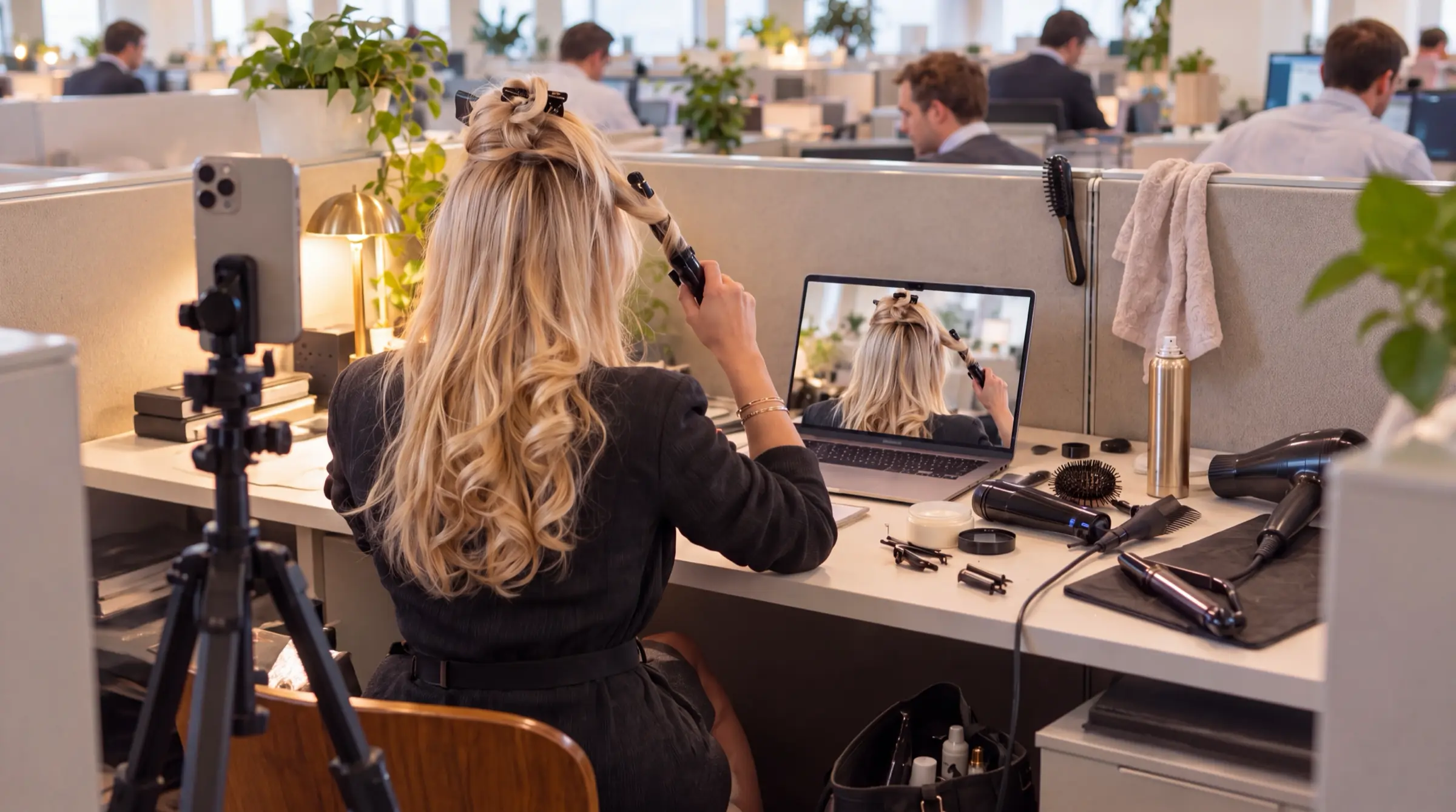

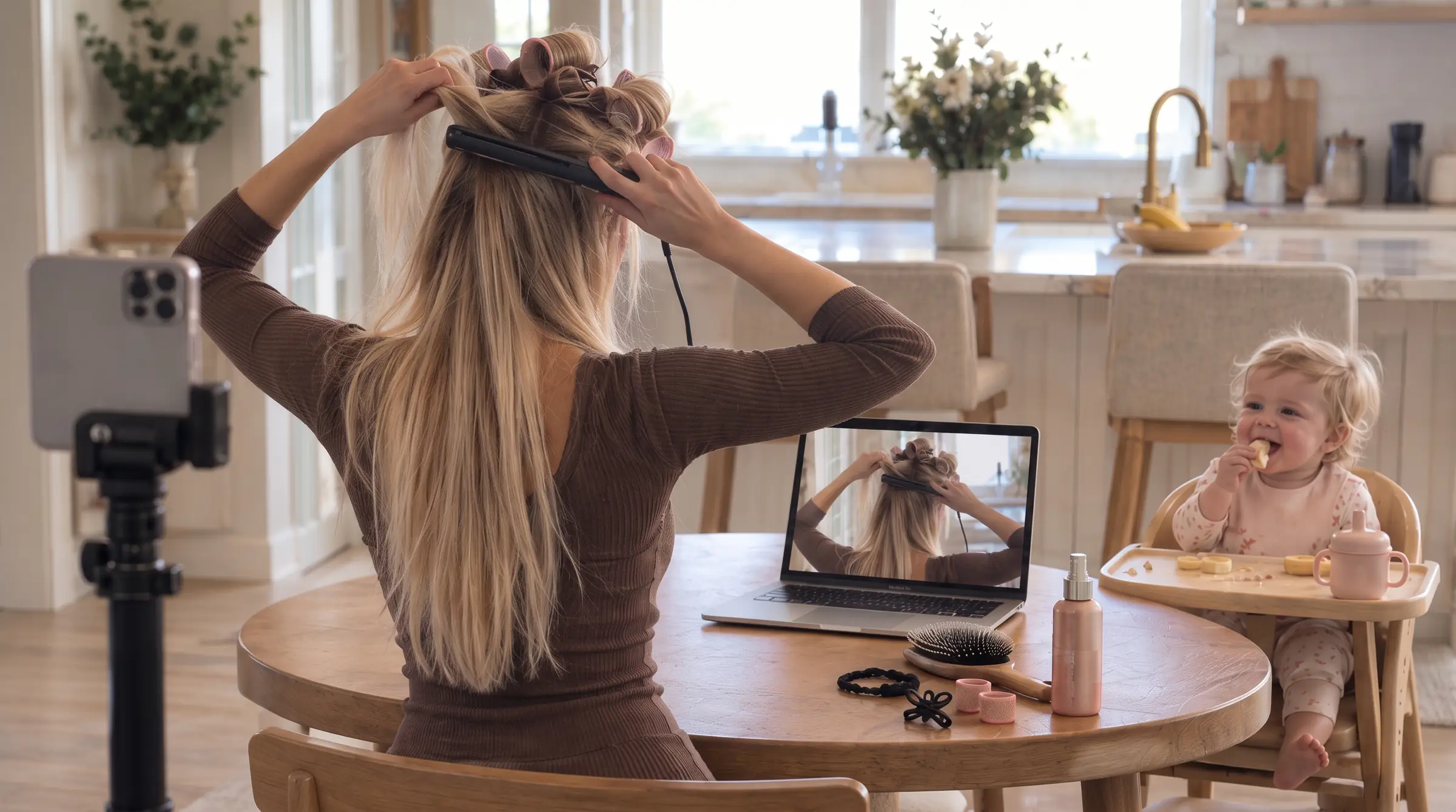

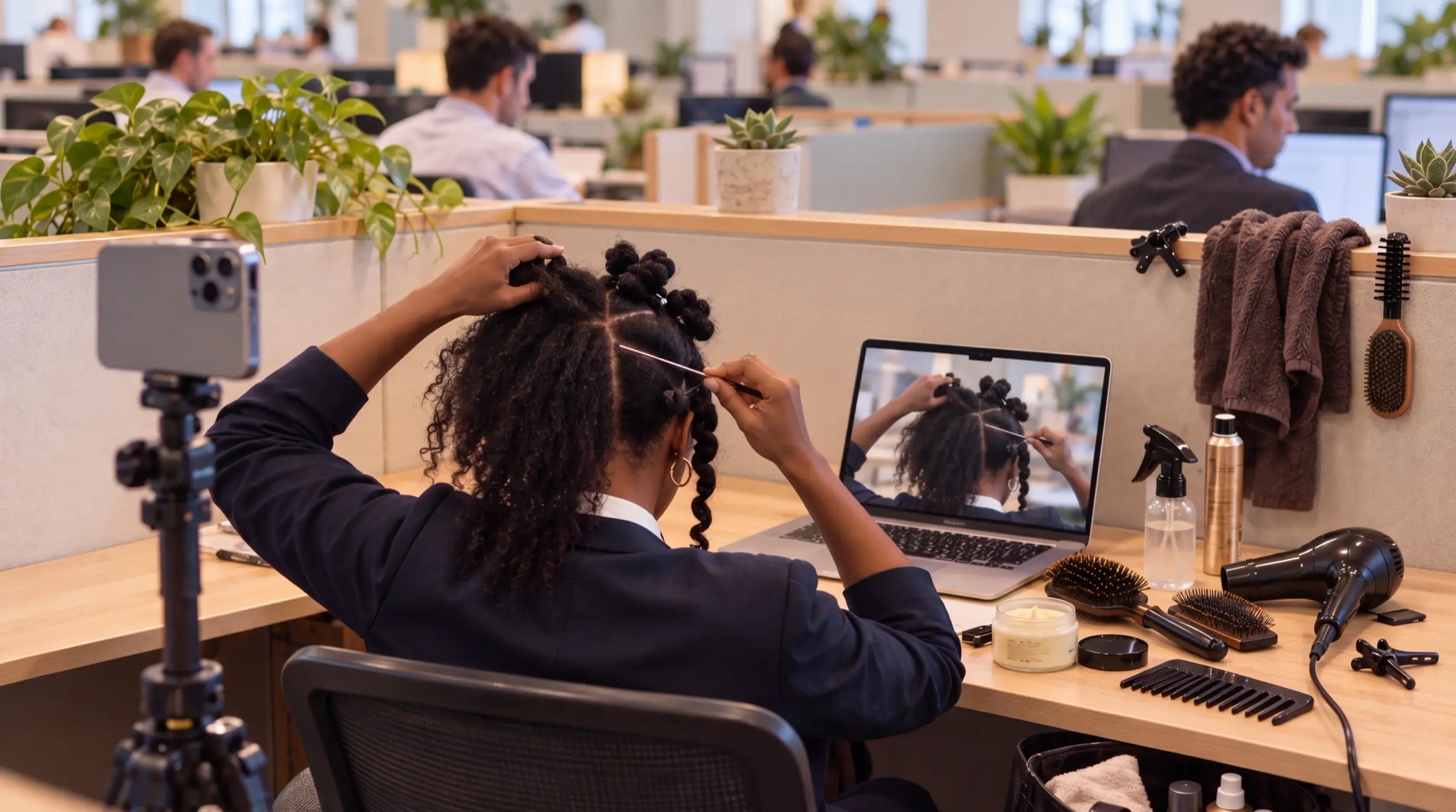

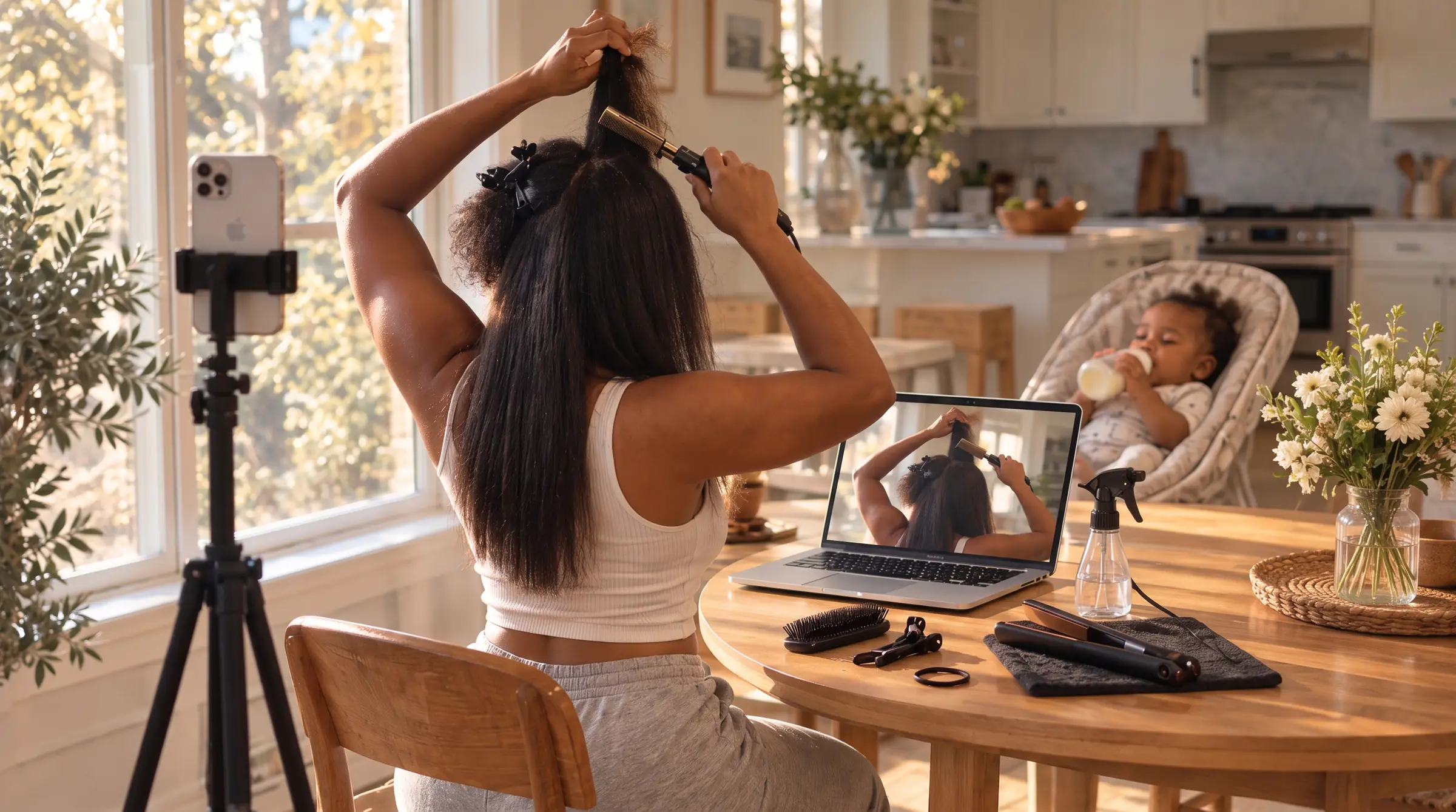

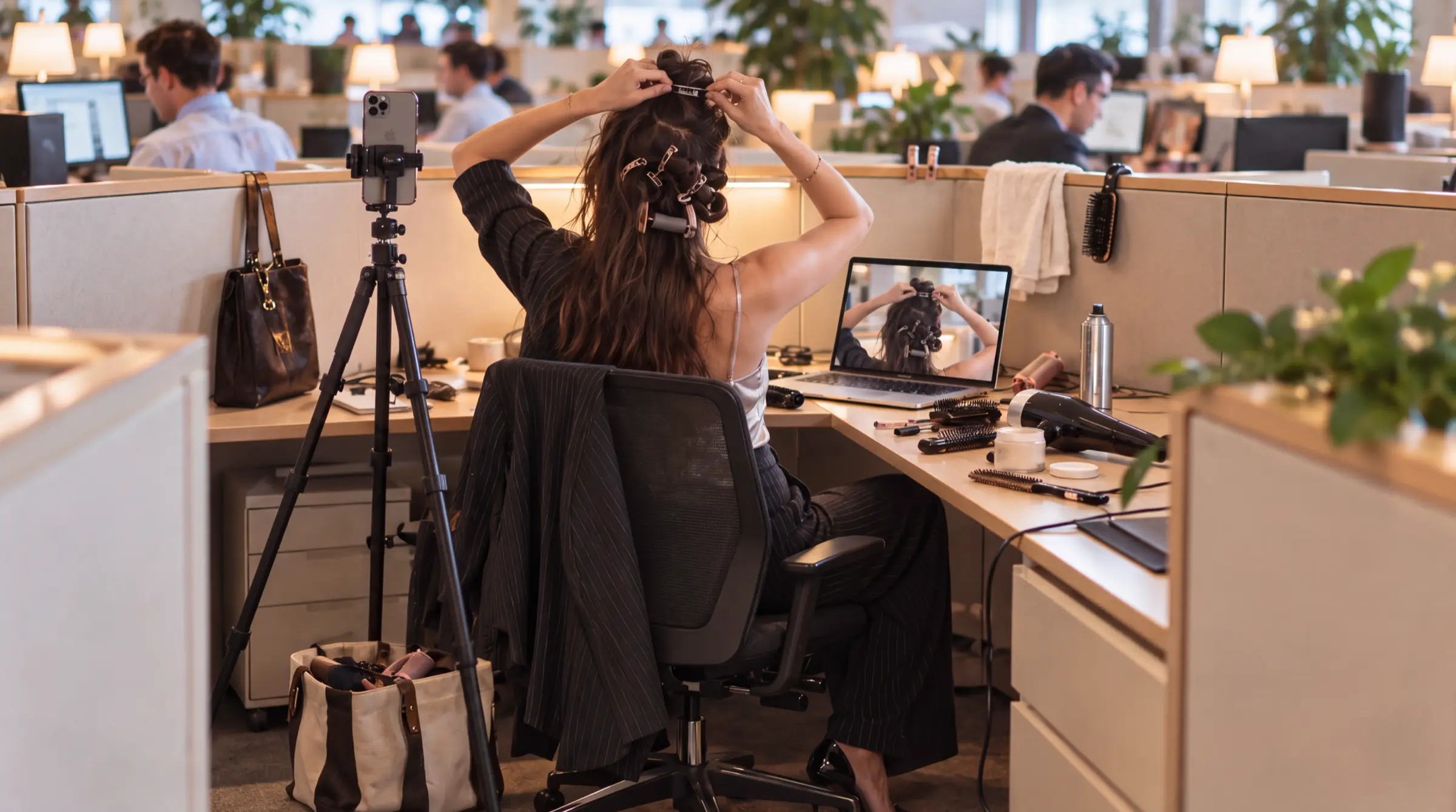
A tripod, your iPhone, your desk.
This is the whole setup. It takes just a few minutes.
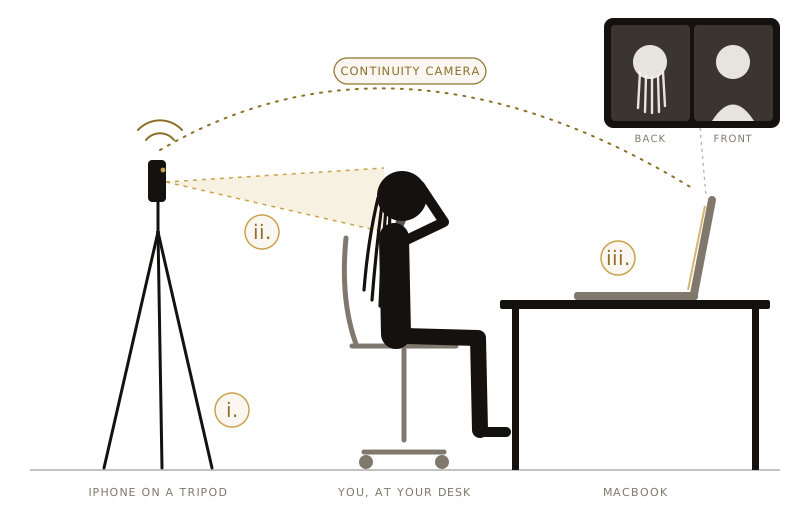
- i.
Get a phone tripod
Any tripod with a phone mount works. Raise it to about head height when you're sitting.
- ii.
Put it behind your chair
Mount your iPhone and aim it at the back of your head, an arm's length or two behind you. Lock the phone and leave it still.
- iii.
Open Work Mirror on your Mac
Your iPhone joins on its own through Continuity Camera. No app on the phone, no cables. Your Mac shows your face, your iPhone shows the back.
Continuity Camera needs your iPhone and Mac signed in to the same Apple Account, with Wi-Fi and Bluetooth on.
Hair is work.
Say goodbye to aching arms, a twisted neck and whole days lost to your stylist or bathroom mirror.
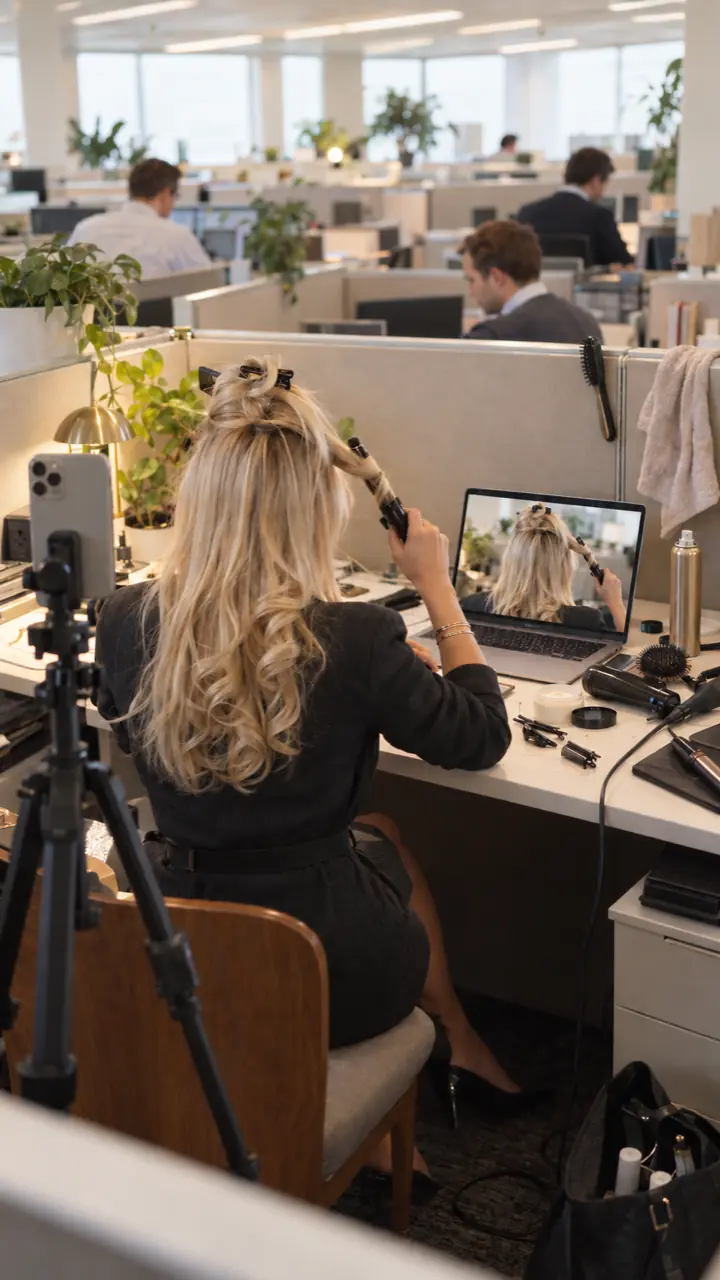 Curling wand before the first meeting
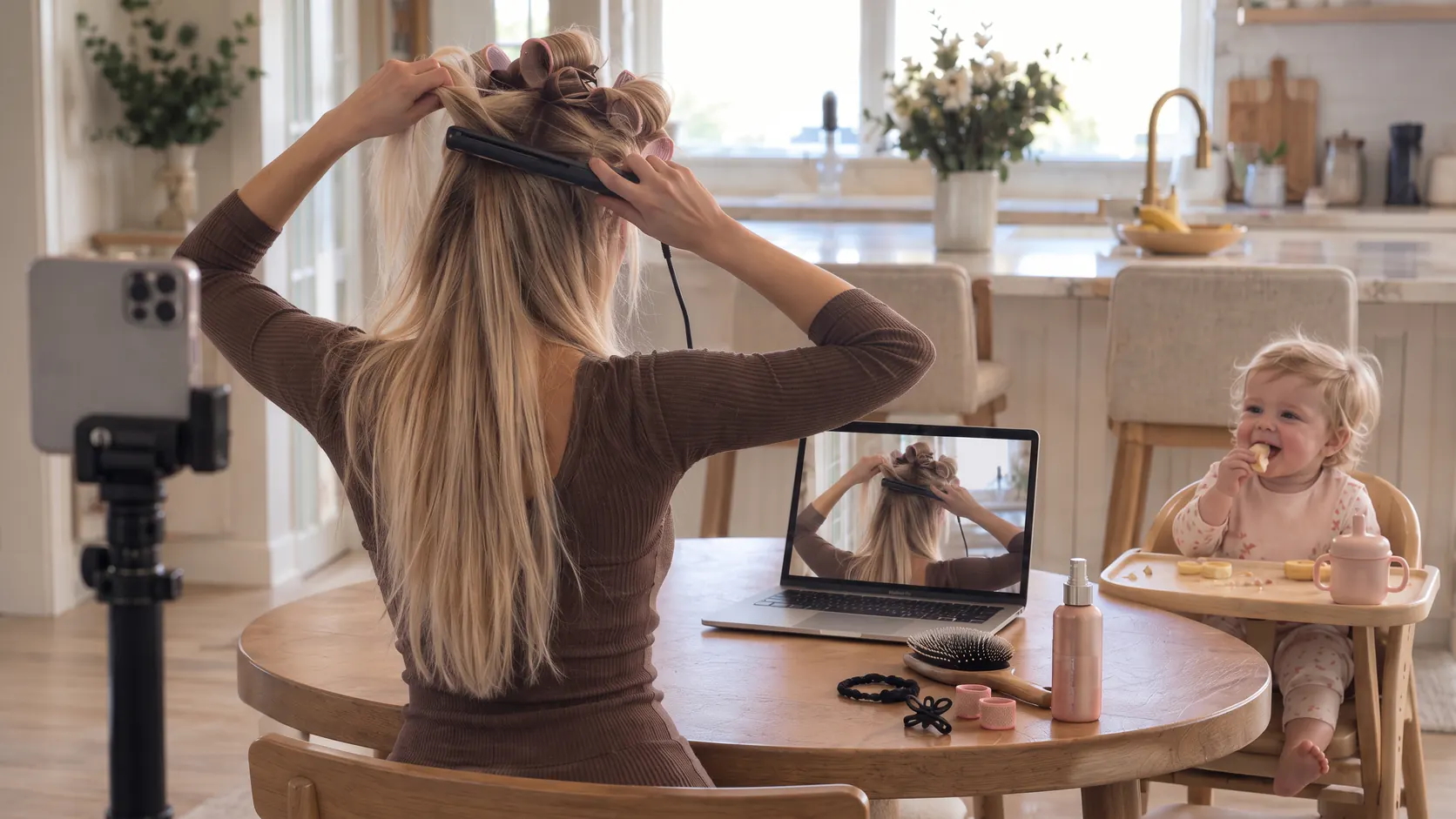 Flat iron out while the baby snacks
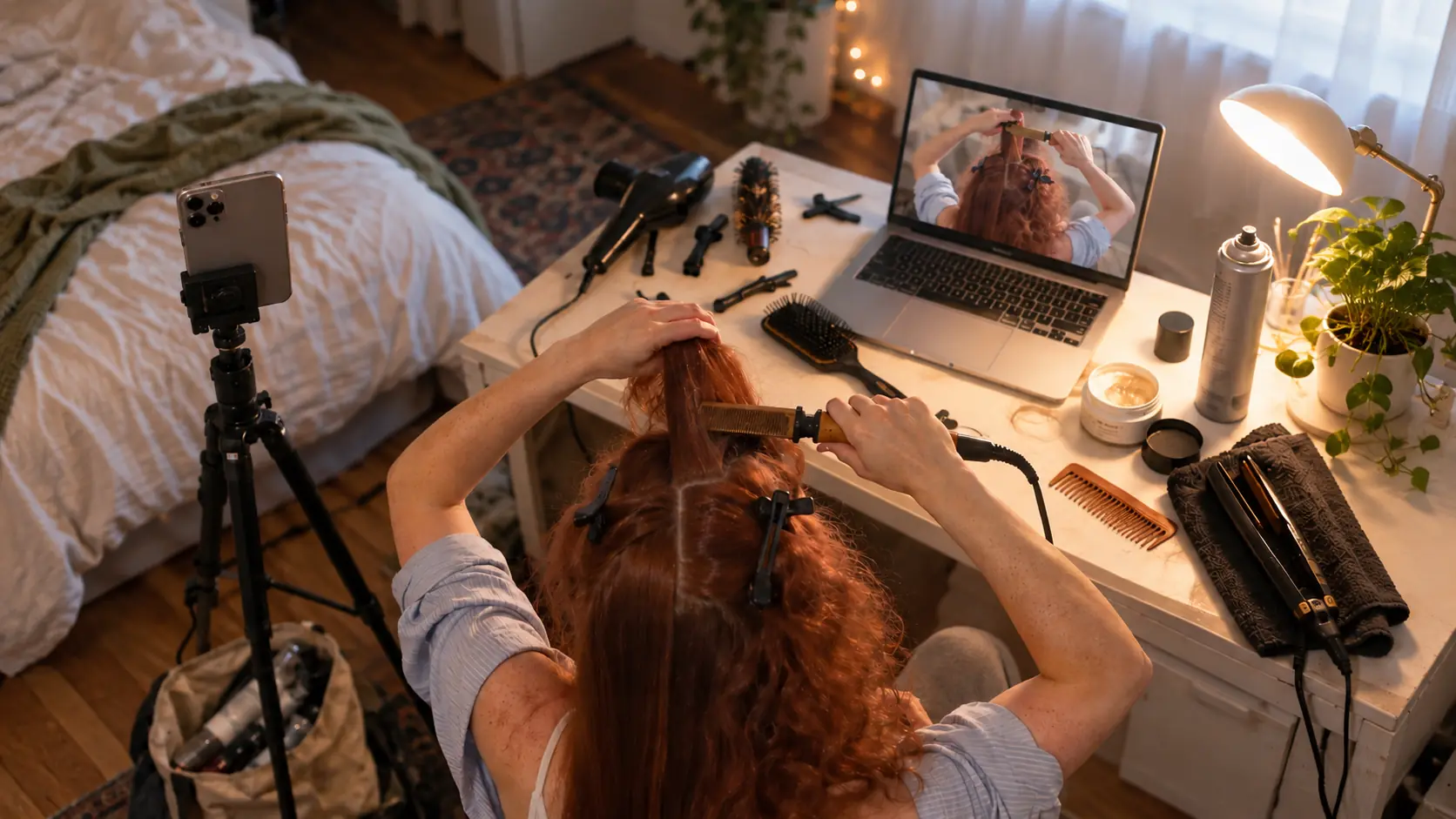 Bedroom desk, second episode
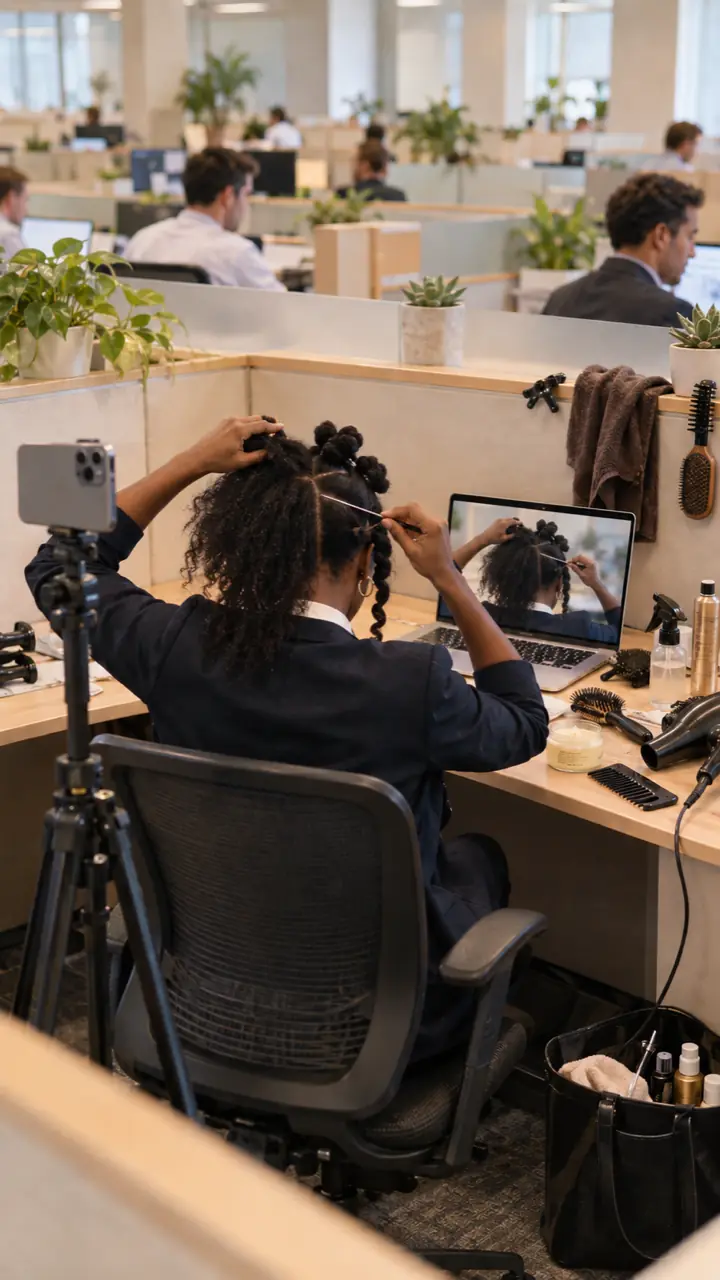 Twists while the inbox fills
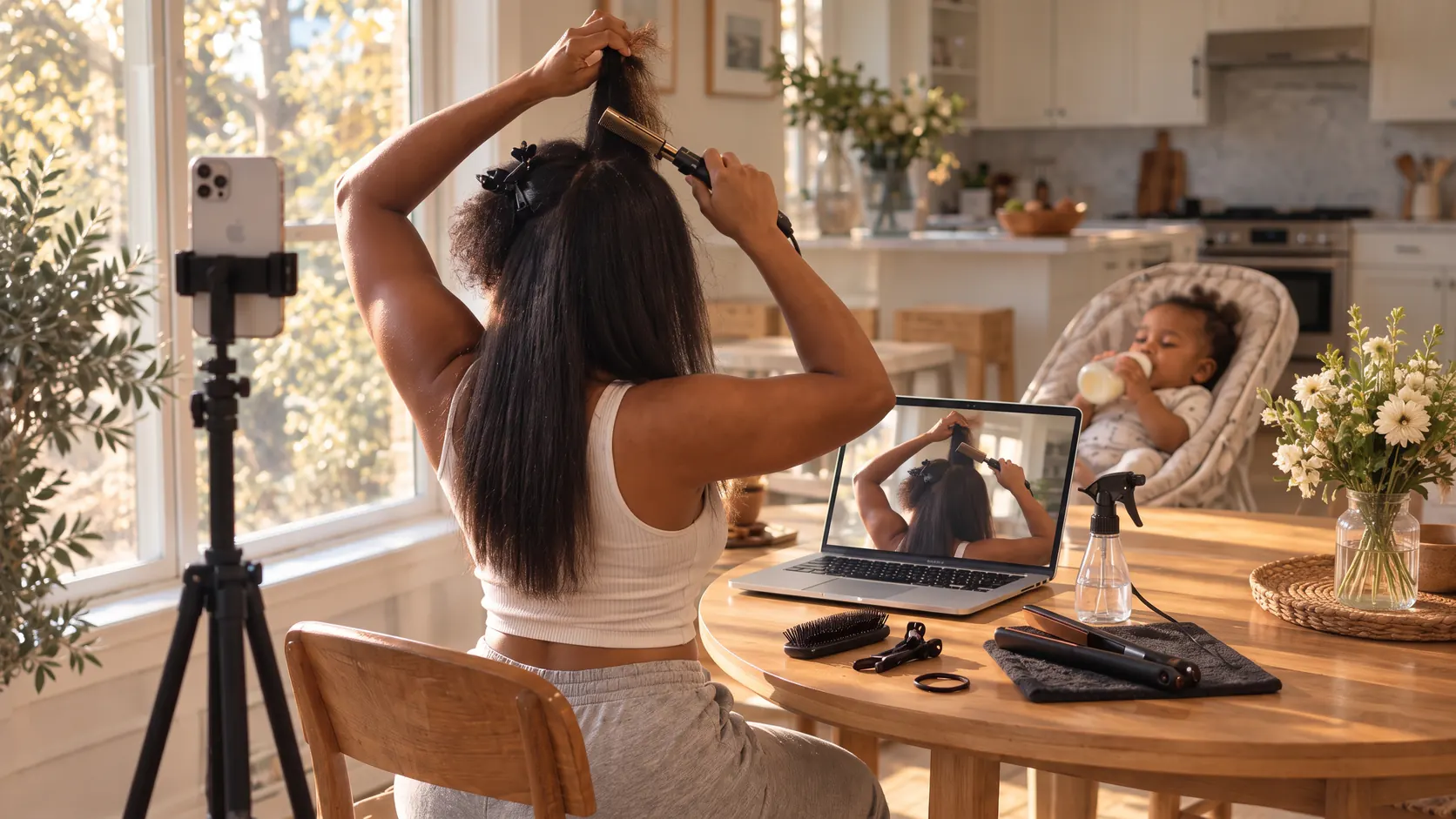 Combing out during bottle time
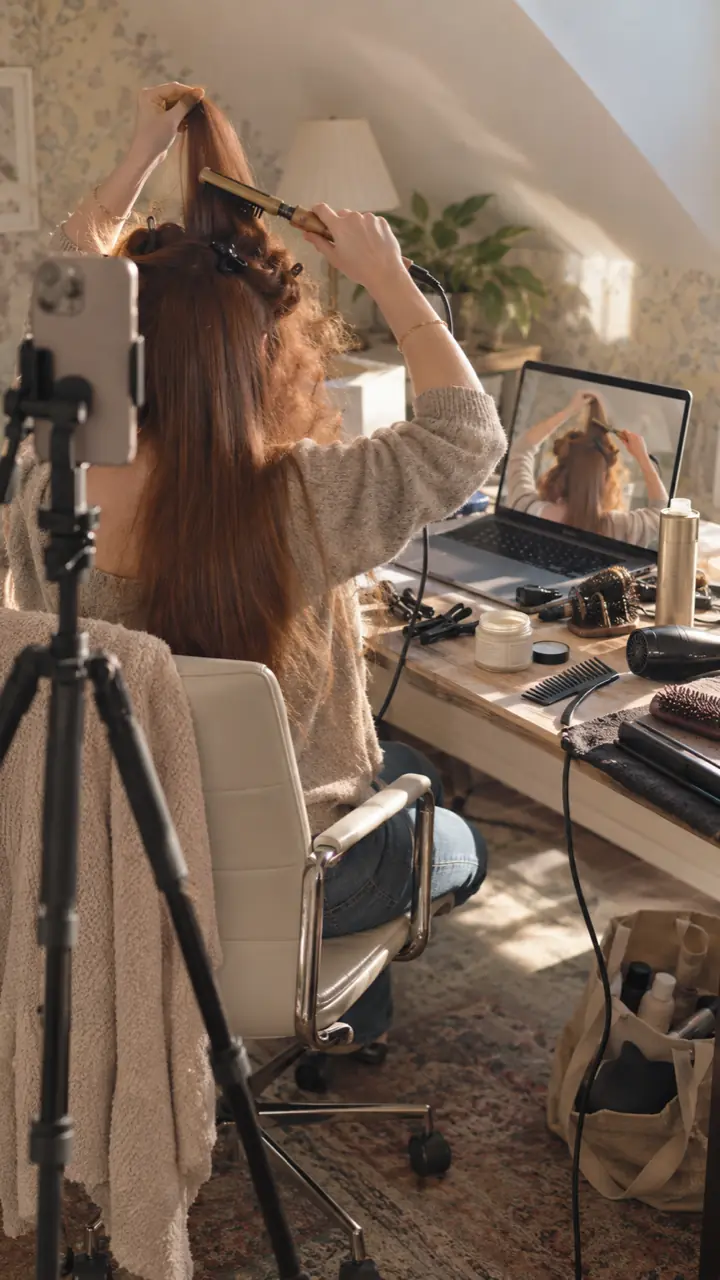 Sunlit attic desk, sections pinned up
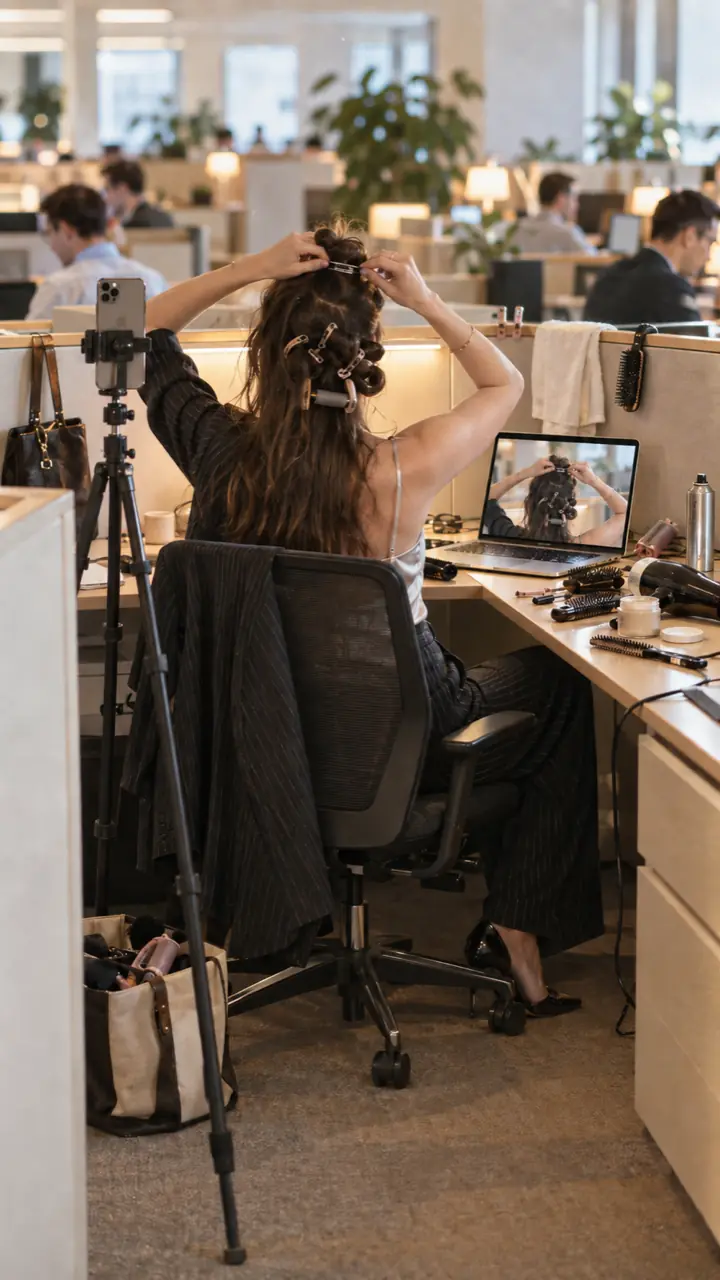 Rollers in, report due at noon
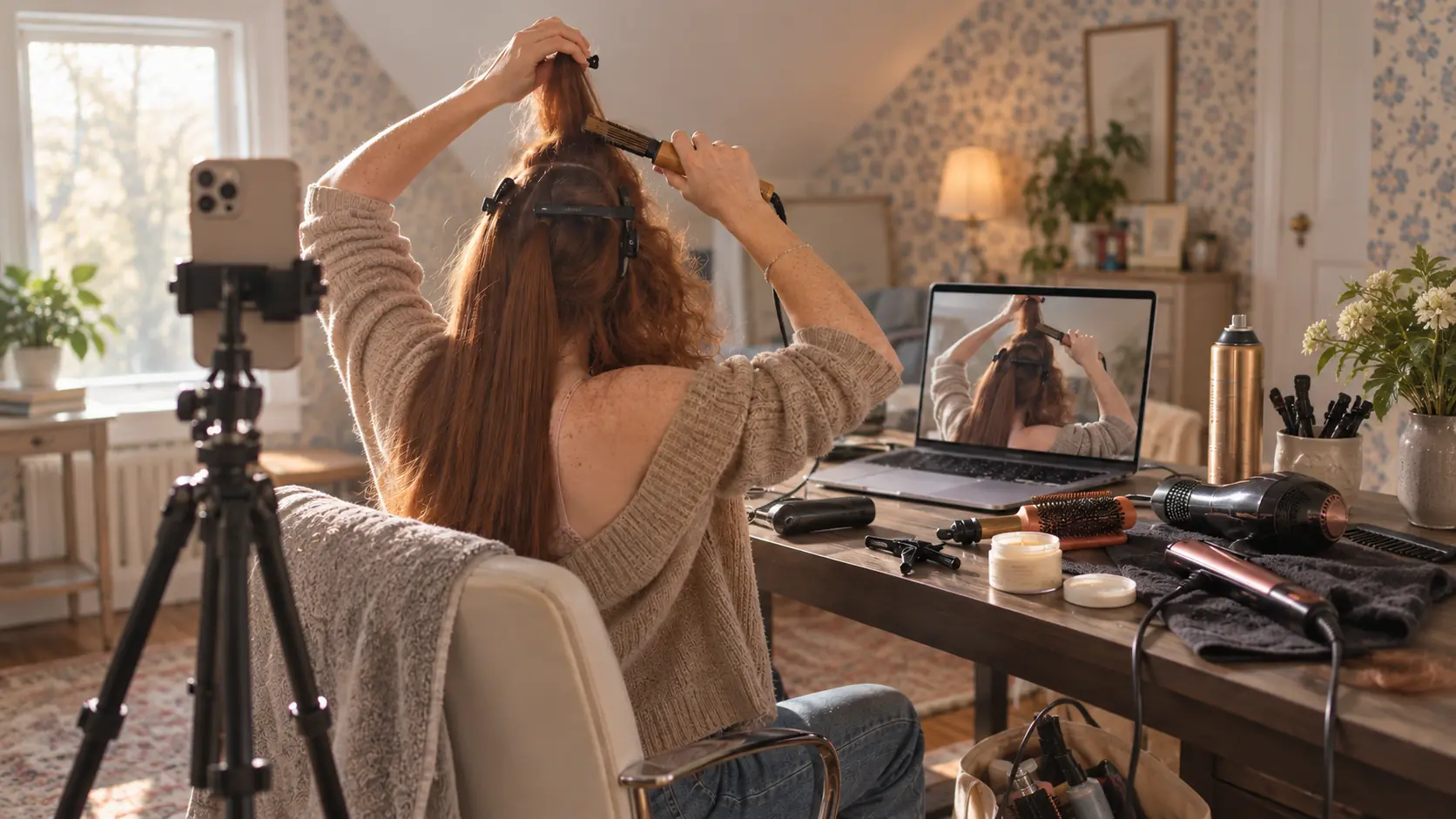 Dinner's on, sections pinned
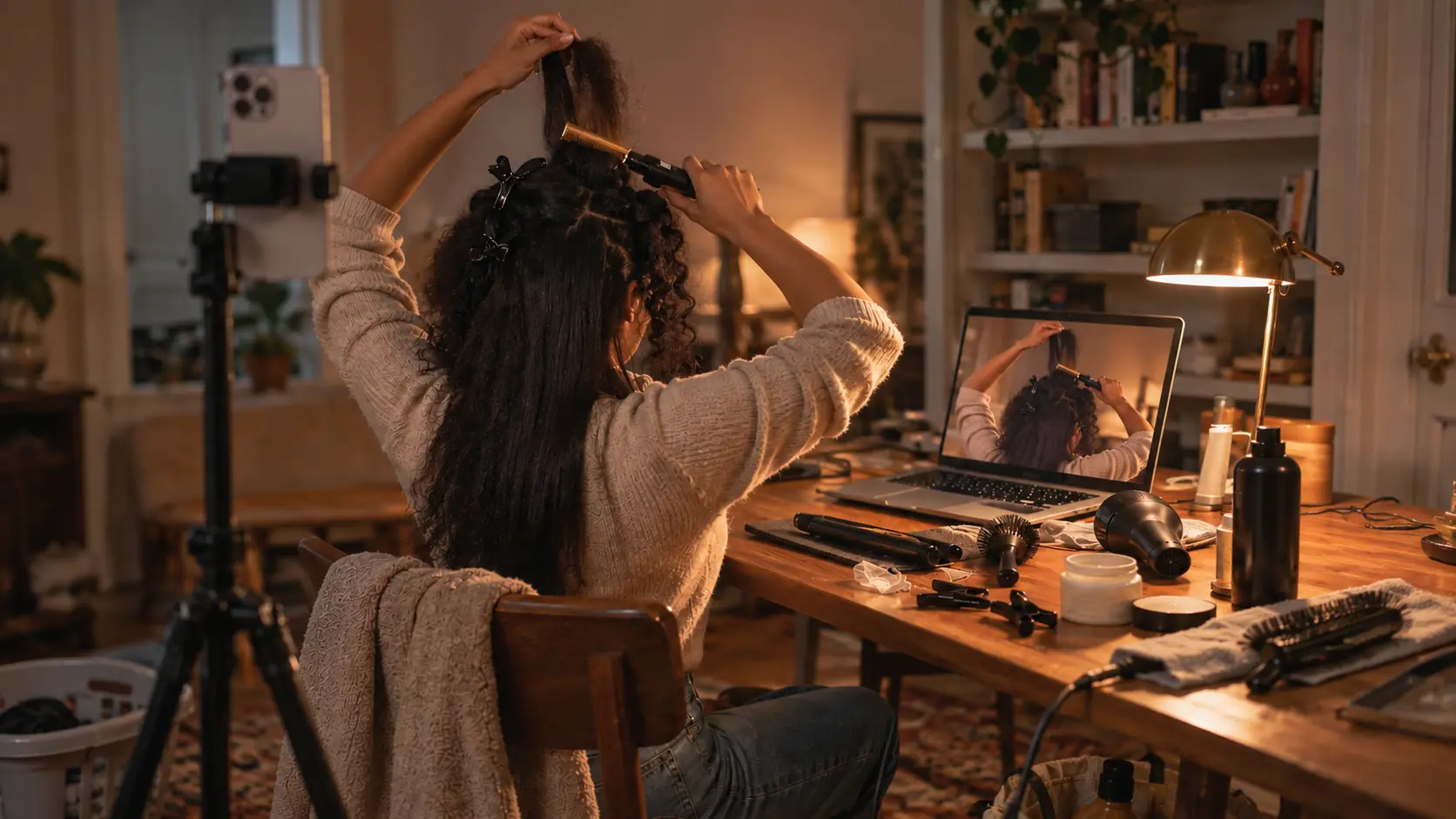 Lamp on, last section
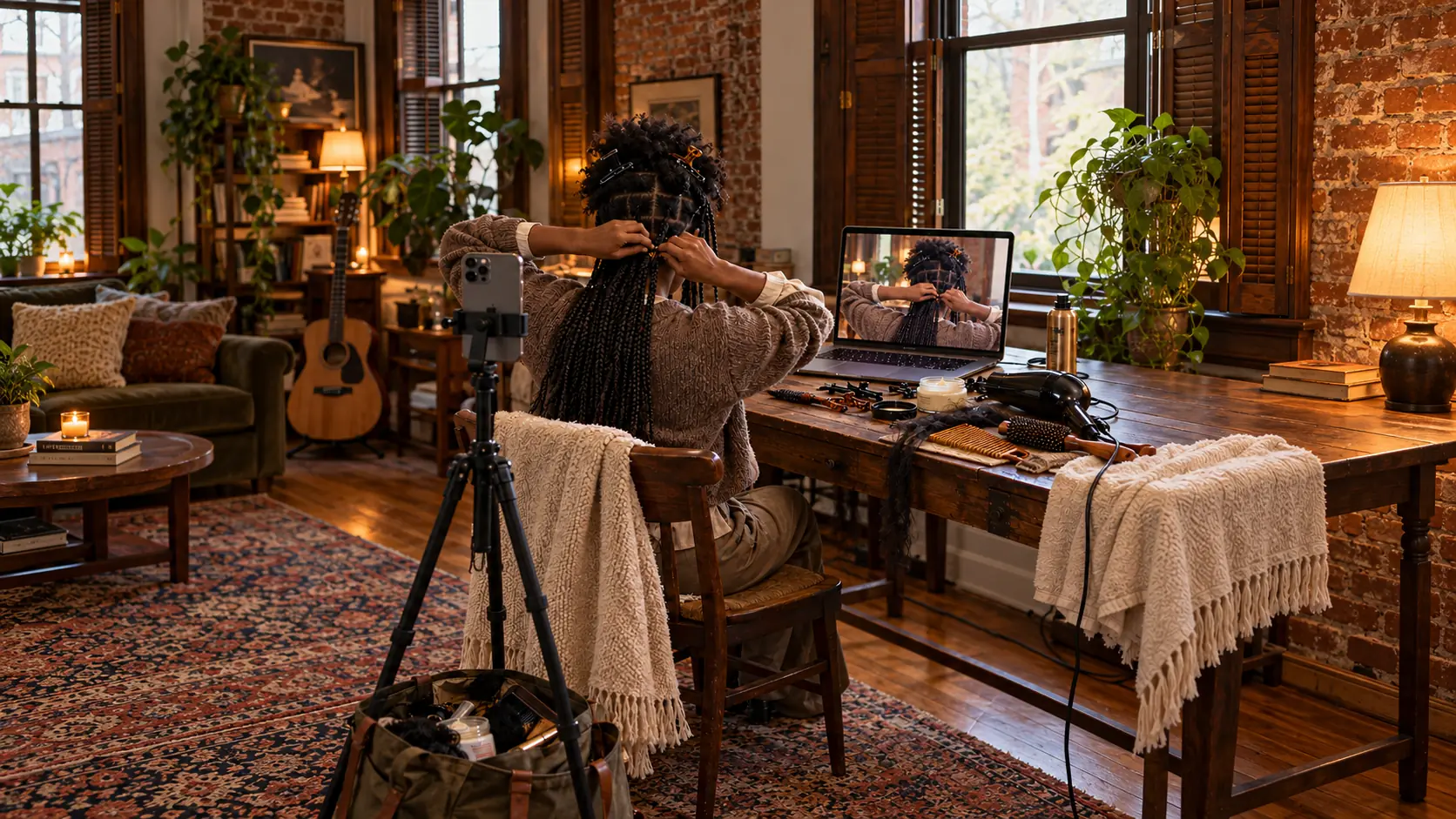 Braids for the week, done before bed
Download the app.
Download it, open it and let it use the camera.
- i.Download the disk image. Work-Mirror-1.0-11.dmg.
- ii.Drag Work Mirror into Applications. Open it and allow the camera.
- iii.Start mirroring. Your free time starts right away. No account needed.
Requires a Mac with Apple silicon running macOS 15 or later. Signed and notarized by Apple.
Your video stays on your Mac.